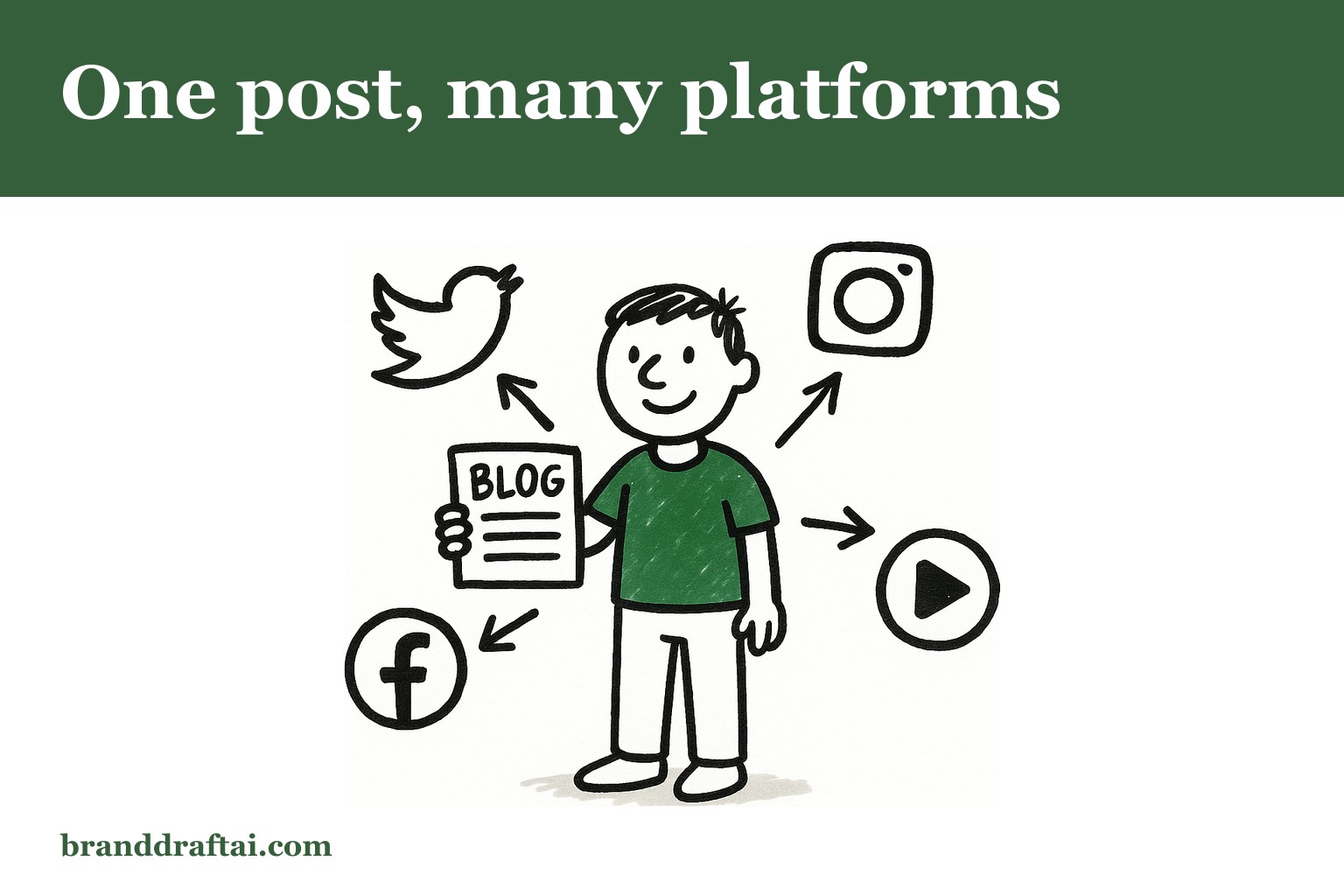

How to repurpose your blog posts into content for every platform
The blog post took three hours to write. The LinkedIn post about it took another forty minutes. Then the email newsletter version, the Twitter thread, the Instagram carousel , by Thursday, you'd spent more time repurposing than writing the original piece.
There's a workflow that flips this backwards. One solid blog post becomes five different pieces of content in under an hour, each one sounding like it was written specifically for that platform.
Why Most Content Repurposing Fails Before It Starts
The advice everywhere is "turn one blog post into ten pieces of content." What they don't mention: copying and pasting paragraphs across platforms makes everything sound like blog posts posted in the wrong place.
LinkedIn readers want industry insights they can share without looking foolish. Email subscribers want something that feels written for them specifically. Twitter followers want the sharp observation, not the full explanation.
The same information, completely different packaging. And yes, this takes more thought than copy-paste , that's why most repurposed content gets ignored.
The 15-Minute Framework That Actually Works
Start with your published blog post and a spreadsheet with five columns: Platform, Hook, Core Point, Format, and Call-to-Action. Each platform gets one row.
Platform-first thinking changes everything. Instead of asking "how do I fit this blog post into a LinkedIn post," ask "what would make a LinkedIn user stop scrolling and engage with this topic?"
For a blog post about customer retention strategies, LinkedIn wants the business case with numbers. Email wants the step-by-step process. Twitter wants the counterintuitive insight that makes people think.
LinkedIn: Lead With the Business Impact
LinkedIn posts that get engagement start with a consequence, not a topic. "Customer acquisition costs rose 38% last year while retention budgets stayed flat" hits harder than "Let's talk about customer retention."
Pull the most compelling statistic or outcome from your blog post. Turn it into the opening line. Follow with two sentences explaining why this matters to their role specifically, then link to the full post.
The format that works: Problem statement, why it costs them money, link to solution. Three paragraphs, done. Your blog post has all the supporting detail , the LinkedIn post just needs to make them care enough to click.
Email: Make It Feel Like Personal Advice
Email subscribers signed up to hear from you directly. The tone should match that relationship , more personal than your blog, less formal than LinkedIn.
Take the main recommendation from your blog post and reframe it as something you'd tell a colleague over coffee. "I've been thinking about that retention problem you mentioned" works better than "Here's my latest blog post about retention."
Include one specific example that wasn't in the blog post. Or mention where the idea came from. Or share what happened when you tried it. The blog post is comprehensive, the email is conversational.
Twitter: Find the Sharp Edge
Twitter rewards the insight that makes people stop and reconsider something they thought they understood. Look for the counterintuitive point buried in your blog post and make that the entire thread.
If your blog post covers five retention strategies, the Twitter thread isn't a summary of all five. It's the one strategy that seems backwards until you think about it. Break that into 3-4 tweets with examples.
Research from Sprout Social shows that Twitter threads with specific examples get 2.5x more engagement than general advice tweets. The sharp observation plus concrete proof , that's the combination that gets shared.
Making Each Piece Sound Native to Its Platform
Every platform has its own rhythm. LinkedIn posts can breathe, with white space between thoughts. Email can meander a bit, following the conversation wherever it goes. Twitter demands economy , every word earning its place.
Repurpose your blog posts by matching the platform's expectation, not fighting it. Don't make your LinkedIn post sound like a tweet stretched to paragraph length. Don't make your email sound like a LinkedIn post sent to subscribers instead of connections.
BrandDraft AI reads your website before generating any repurposed content, so it can reference your actual products and terminology instead of generic marketing language when adapting posts for different platforms.
The rhythm matters as much as the message. LinkedIn wants confident, professional insight. Email wants friendly, direct advice. Twitter wants sharp, quotable observations.
The One-Hour Workflow That Scales
Set a timer for fifteen minutes per platform. If you can't repurpose a blog post into platform-specific content in that time, you're overthinking it.
Start with your strongest blog post from the last month. Open five documents , one for each platform you publish on regularly. Read the original post once, then close it and write from memory.
This forces you to capture the essence, not copy the words. What stuck with you after reading it? That's probably what will stick with your audience too.
Schedule everything at once. The LinkedIn post goes out on Tuesday, the email on Wednesday, the Twitter thread on Thursday. Same topic, different angles, spread across the week.
When Repurposing Becomes Content Strategy
After three months of this workflow, patterns emerge. Some blog posts translate perfectly to LinkedIn but die on Twitter. Others spark great email responses but get no traction on social.
Track which repurposed pieces perform best on each platform. The blog posts that turn into high-engagement LinkedIn posts? Write more blog posts like those. The topics that generate email replies? Dig deeper into those areas.
Your blog becomes a testing ground for what resonates. The repurposed content becomes market research. And the time you spend each week becomes the foundation for understanding what your audience actually engages with — which informs the next blog post. Ahrefs' content strategy research found that the highest-traffic posts on most business blogs are almost never the planned pieces — they're the ones that got unexpectedly shared, which is why having repurposable content ready matters.
Most repurposing advice treats platforms like they're interchangeable. They're not. The reader, the context, the expectation , all different. Honour those differences, and one blog post really can become a week of content that feels intentional instead of recycled.
Generate an article that actually sounds like your business. Paste your URL, pick a keyword, read the opening free.
Try BrandDraft AI — $9.99